Gym Location Experience Optimisation
Reframing the Membership Journey Through Research, Strategy & Conversion Optimisation
Reframing the Membership Journey Through Research, Strategy & Conversion Optimisation
This project began as a request to improve how Price Per Day membership pricing was presented across Nuffield Health’s gym location pages.
Rather than immediately redesigning the pricing component, I stepped back to understand whether pricing was genuinely the issue or whether it highlighted a broader opportunity to improve the overall membership journey.
Using behavioural analytics, customer research, session recordings and stakeholder insights, it became clear that pricing wasn’t the primary problem. Users were making rapid decisions based on limited information, while much of the page remained largely unseen.
What started as a tactical pricing enhancement evolved into a broader optimisation initiative focused on improving how prospective members discovered information, evaluated membership options and progressed confidently towards joining.
This shift transformed the project from a UI improvement into a strategic redesign of the membership decision-making experience.
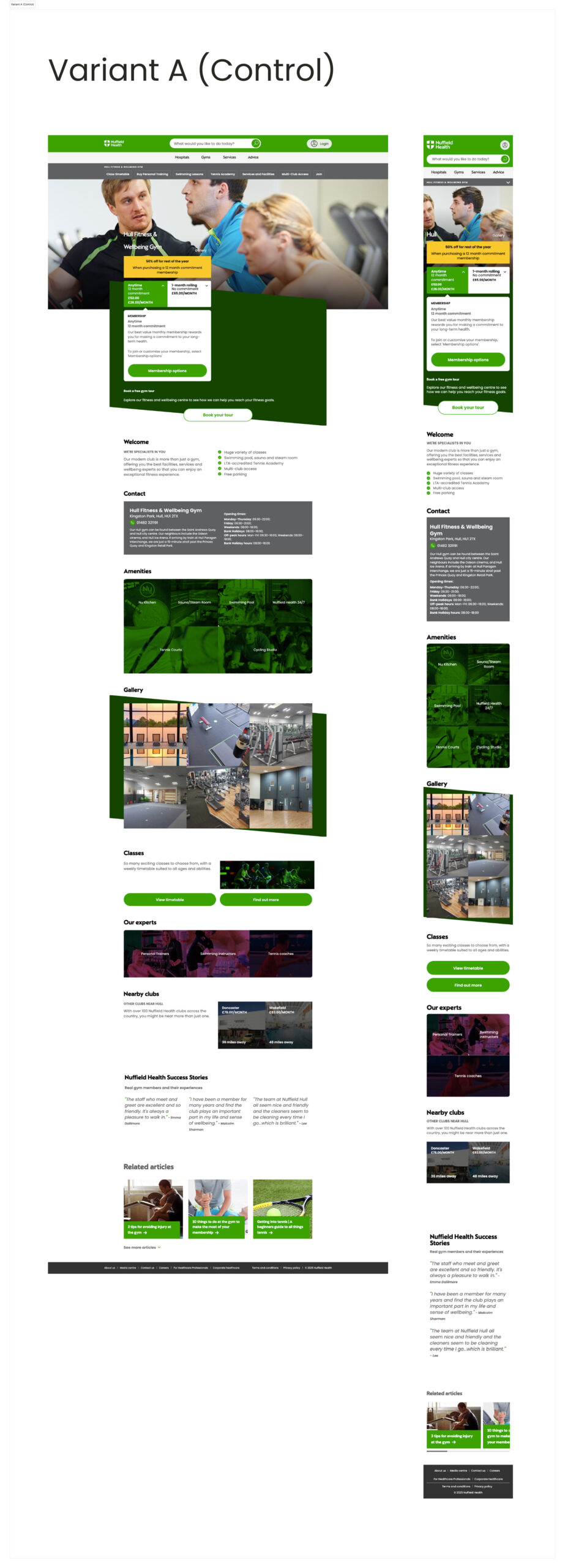
The Gym Location page had evolved over time into a content-rich experience containing:
However, behavioural analysis suggested customers weren’t consuming the experience as intended.
While commercial metrics remain confidential, analytics consistently showed that users spent relatively little time engaging with the page, with the majority of attention concentrated within the hero section.
Pricing disappeared once users began scrolling, while valuable content further down the journey was rarely influencing decision-making.
The challenge, therefore, wasn’t simply making pricing more visible.
It was about helping customers answer their most important questions earlier, reducing friction and aligning the experience with how people actually evaluate and choose a gym.
As UX/UI Design Manager, I led the project from discovery through validation, collaborating with Product, CRO, Engineering and business stakeholders.
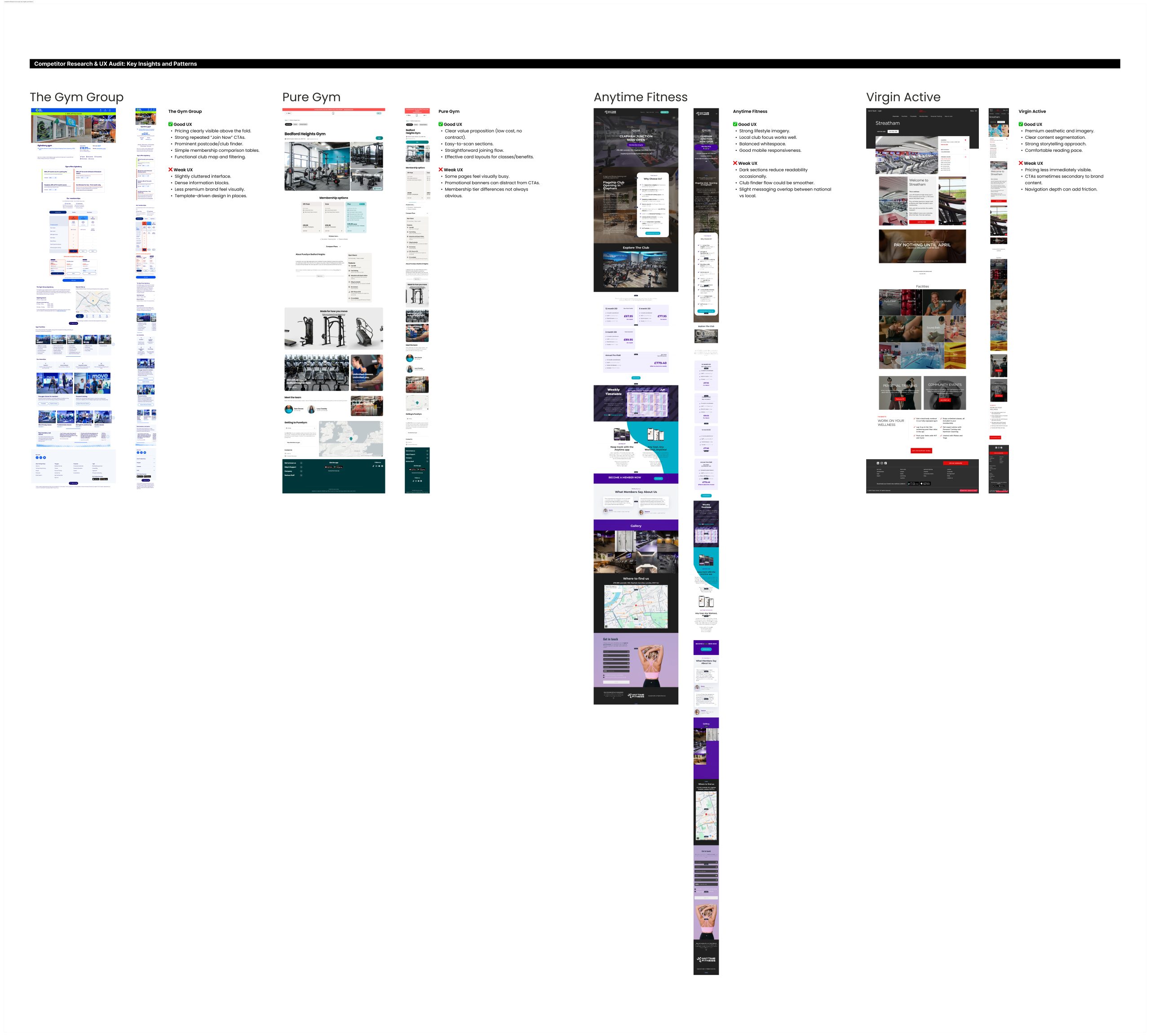
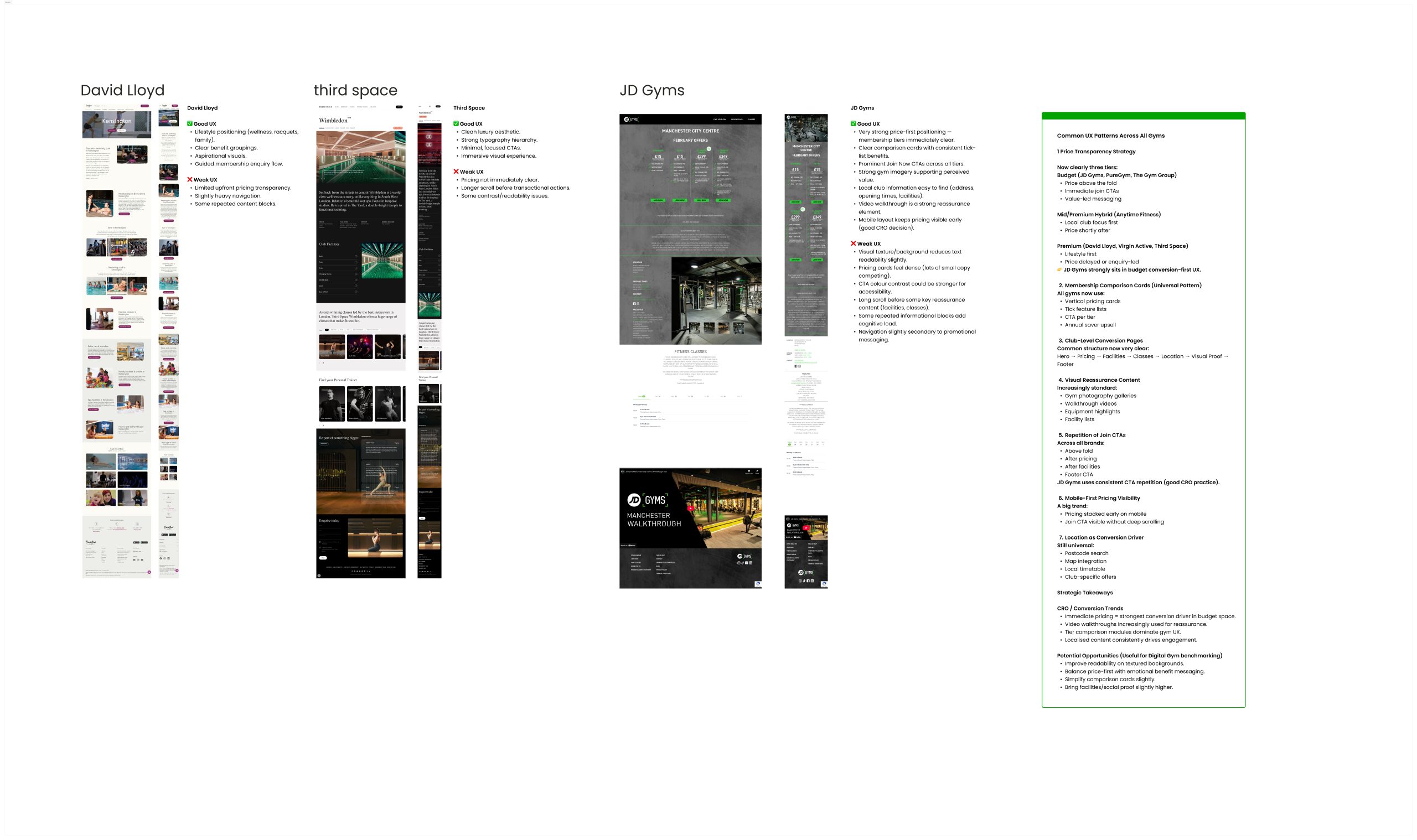
Rather than beginning with design, I focused on understanding customer behaviour and validating the assumptions behind the original brief.
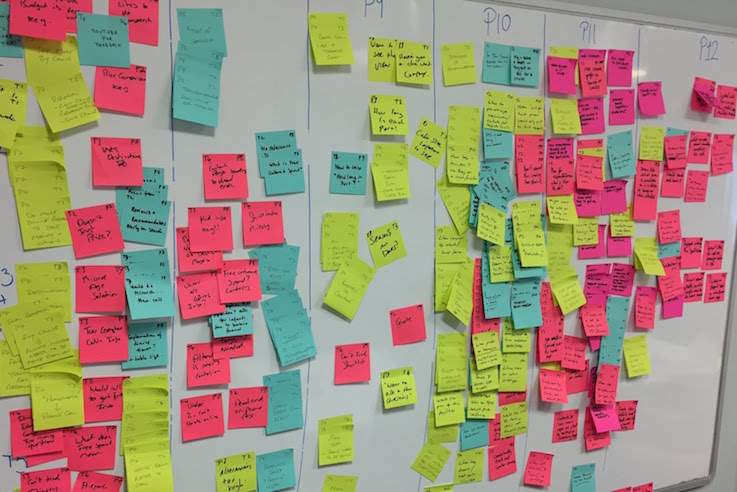
Research combined evidence from multiple sources including:
Looking across these data sources allowed behavioural patterns to emerge that weren’t obvious when viewed individually.
Pricing influenced decisions, but wasn’t the barrier
Customers wanted to understand affordability immediately, but pricing visibility alone wasn’t preventing conversion.
The wider experience wasn’t helping users understand value or compare membership options with confidence.
Customers made decisions remarkably early
Behavioural analysis suggested visitors were scanning rather than reading.
Most engagement happened within the opening moments of the journey, challenging assumptions that lower-page content was influencing decision-making.
Valuable content wasn’t supporting decisions
Facilities, membership benefits, reassurance messaging and supporting information were positioned too late in the journey to influence many users.
Different customers followed different decision paths
Some visitors were ready to join immediately.
Others required reassurance, comparison, trust signals and more information before committing.
The experience needed to support both behaviours without adding unnecessary complexity.
The original brief asked:
“How can we improve pricing visibility?”
Discovery revealed the more important question:
“How can we help customers make confident membership decisions faster?”
That shift fundamentally changed the direction of the project.
Rather than optimising a single pricing component, the work became focused on redesigning the overall membership evaluation journey.
The strategy centred on aligning the experience with real customer behaviour rather than organisational assumptions.
Key objectives included:
Every design recommendation was supported by behavioural evidence rather than opinion.
Information Architecture
Content was reorganised around customer priorities instead of internal content structures, creating a clearer journey from consideration to conversion.
Persistent Pricing & Decision Support
Pricing remained visible throughout the journey, allowing customers to compare membership options without repeatedly returning to the top of the page.
Simplified Membership Comparison
Membership information became easier to understand and compare, helping customers evaluate options more quickly.
Reduced Friction
The experience was streamlined by reducing unnecessary scrolling, improving navigation and surfacing relevant information at the right moments.
Conversion Optimisation
Several CRO improvements were introduced, including:
Interactive prototypes were tested before development through unmoderated usability testing.
Testing focused on:
The findings validated many of the strategic decisions while identifying opportunities for refinement before implementation.
Importantly, this early validation reduced delivery risk by ensuring investment was focused on evidence-backed improvements rather than assumptions.
Accessibility formed part of the overall experience strategy rather than a final compliance review.
The redesign incorporated:
Although commercial performance data remains confidential, the project successfully evolved from a tactical pricing request into a broader optimisation initiative informed by behavioural analytics, user research and CRO strategy.
The work delivered:
The project was also recognised internally through multiple High 5 awards.
Feedback highlighted:
“What began as a small update evolved into a much more impactful project.”
“Chris’s data-driven approach and insight-led decisions uncovered valuable customer insights that directly informed meaningful improvements.”
“These findings helped the team avoid investing time in solutions that may have required rework later.”
This external recognition reinforced the value of combining UX strategy, behavioural insight and collaborative delivery to solve broader business challenges rather than simply redesigning individual pages.
One of the biggest lessons from this project was recognising that the original brief represented a symptom rather than the root cause.
Had I focused solely on improving pricing visibility, the outcome would likely have delivered only incremental gains.
By stepping back, analysing customer behaviour and challenging assumptions, the project uncovered a broader opportunity to reshape the membership journey around how people actually evaluate and choose a gym.
It reinforced an approach that continues to shape my work today: